Effora
For iPhone and Android
Phone storage full? Here is how to free up space
It is usually not the apps but your photos and videos. Here you can see where the space goes and how to get it back without losing anything important.

One minute of video weighs as much as about 70 photos
A photo takes roughly 2 to 3 MB, one minute of 4K video at 30 frames per second about 170 MB. So if you are looking for space, start with the long videos.

Where the space really goes
In almost every library, these four things take up more than you would think.
Large videos
up to 400 MB
per minute in 4K at 60 frames per second. A few concert recordings or holiday videos quickly add up to several gigabytes. Often it is enough to keep the best ones or save them at a lower resolution.
2×
Duplicate photos
Bursts, the same shot five times, pictures from a chat saved a second time.
100+
Screenshots
Tickets, recipes, confirmations. After a week you will never need most of them again.
Live Photos also save a short video
On iPhone, Live Photos capture a few seconds of movement. That makes them take up roughly twice as much as a normal photo. For landscapes and documents you rarely need it.
How much does your library take up?
You can see the number of photos and videos at the very bottom of your gallery. The estimator works with rough values, so your phone may differ quite a bit.
Your library takes up about
0 GB
- Photos
- Live Photo motion
- Screenshots
- Videos
Free up space in six steps
The order pays off: back up first, then the big chunks, then the many small ones.

-
Back up first
Before you delete anything, back up important photos to a computer, a hard drive or a cloud storage service.
Watch out: If your library syncs, deleting a photo on your phone usually deletes it in the cloud as well. In that case the cloud is not a backup.
-
Check what eats up space
The overview in Settings shows how much photos, apps and system data take up. Where to find it on iPhone and Android is explained below.
-
Large videos first
Open the videos in your gallery and go through the long ones. Anything you want to keep but do not need in 4K can be saved smaller or moved to a computer.
-
Sort out duplicates and bursts
Keep the best of similar pictures. On iPhone, the Photos app collects detected duplicates in their own album. On Android, many gallery and file apps offer a similar feature.
-
Screenshots and Live Photos
Screenshots have their own album, where you can quickly select a lot at once. For new shots, you can turn off Live in the Camera.
-
Empty the trash
Only now is the space freed. On iPhone the folder is called “Recently Deleted”, on Android it is usually Trash. Otherwise deleted items stay there for up to 30 days.
Where to find storage in Settings
The names vary a little by version and manufacturer, but the path is similar.
iPhone
- Settings, then General, then iPhone Storage.
- At the top you see a bar split by category, with recommendations below it, such as reviewing large videos.
- Offload Unused Apps removes apps you rarely use, but keeps their data.
- In the list, each app shows how much it and its data take up.
Android
- Settings, then Storage. Depending on the device, it may be under Device care or Battery and device care.
- The overview splits storage into images, videos, apps and system.
- For individual apps, you can clear the cache under Storage without losing any data.
- Many devices offer a cleanup tool that suggests large and duplicate files.
Frequently asked questions
Why is my storage still full even though I deleted photos?
Deleted items first go to the trash, on iPhone the “Recently Deleted” album. They usually stay there for up to 30 days and keep taking up space. The space is only freed once you empty it.
How much storage does one minute of video take?
As a rough guide, about 60 MB in Full HD at 30 frames per second, around 170 MB in 4K at 30 and about 400 MB in 4K at 60 frames per second, in the space-saving format. Depending on the device and settings it can be a lot more.
Are photos deleted in the cloud too?
If your library syncs, usually yes. What you delete on your phone disappears there too. Back up important pictures to a second place first.
What is System Data or Other?
Caches, logs and temporary files of the system and your apps. You cannot delete them directly. Restarting, clearing app caches and installing updates often shrink them a little.
Does deleting chat media help?
Often a lot. Messaging apps store received pictures, videos and voice messages separately, and often in your gallery as well. In the chat app's settings you can usually see how much each chat takes up and turn off automatic saving.
Cleaning up that is actually fun
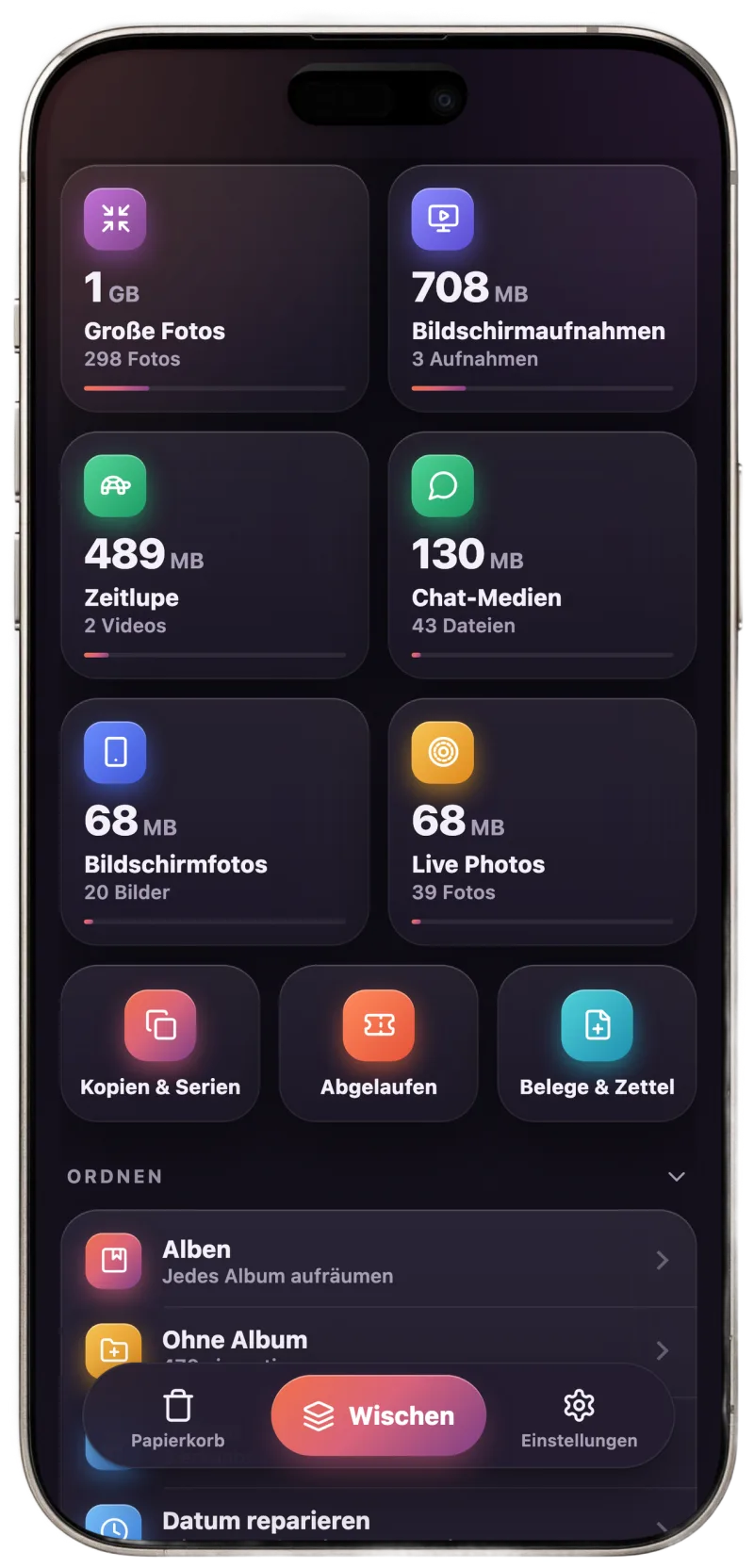
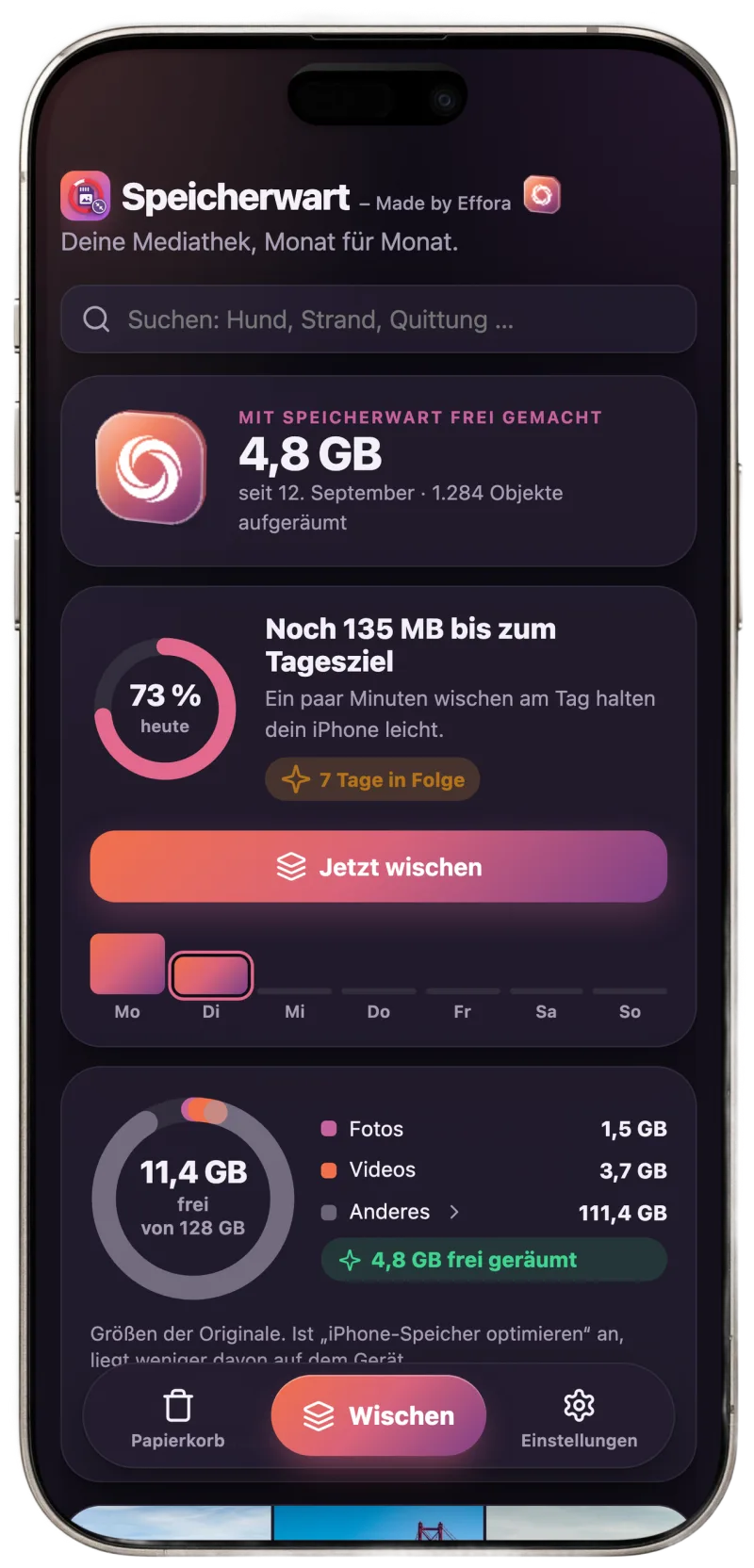
SpaceKeeper is the gallery app from Effora. You swipe through your photos month by month and see right away how much space you free up.
- Find copies and bursts, keep the best picture
- Shrink large videos, clean up screenshots and Live Photos
- Everything runs on your phone, no account needed