Effora
For iPhone and Android
Photos after a trip: get them organized
Back from vacation with 800 new photos in your gallery? Follow this order and you will end up with an album you love looking at again.
Right now you still remember
In the first week, you still know where a photo was taken and which of ten similar ones was the best. A few months later they all look the same, and the gallery just keeps growing.

What fills your gallery after a trip
You won't need most of it once the vacation is over. This is where most of the work is, but also the quickest savings.
Series and duplicates
5 instead of 1
At sunset you press the shutter five times, for a group photo ten times. Keep the best picture each time. That alone often makes the trip a third lighter.
Tickets and screenshots
Boarding passes, timetables, parking spot numbers. After the trip, almost all of it can go.
Long videos
They take up the most space. Trim them down to the best part.
And then a book?
Once your selection is done, a photo book is just a small step away. How to get it right is in the guide Making a vacation photo book. You can find duplicate pictures with the guide Doppelte Fotos finden (in German).
Six steps to an organized trip
Back up first, then collect, then sort out. If you start by deleting, it is easy to lose something.

-
Back up right away
Lose your phone on the way home and everything is gone. Back up the trip to a computer, an external hard drive or cloud storage, ideally in two places.
Careful: If your library is synced, deleting a photo on your phone usually deletes it in the cloud too. That is why a synced library is not a backup.
-
Collect your travel companions' photos
Create a shared album where everyone adds their best pictures. Pictures from messengers are often scaled down and less suitable for prints.
-
Check date and place
Photos from cameras or travel companions sometimes end up in the wrong spot because the clock was not set to local time. Correct the date and time before you sort. If a picture is missing its location, add it.
-
Do a rough sort
Start with the obvious: blurry, too dark, a finger in front of the lens, tickets and screenshots. Then duplicates. Don't overthink it, this goes quickly.
-
Mark your favorites
In the second round, you mark the pictures that tell the story of the trip. Later they become an album, a slideshow or a photo book.
-
Create an album and empty the trash
One album per trip, named with year, month and destination, for example "2026-08 Lisbon". That way all your trips line up in date order. Finally, empty the trash, only then is space freed up.
How long will the cleanup take?
Enter how many photos and videos the trip has and how strictly you want to choose. The estimator uses values from experience for swiping through.
You will need about
0 min
- stay in the album
- get tossed
Tools that are already on your phone
The names differ a little depending on the version and manufacturer.
iPhone
- In the Photos app, go to Collections, then Utilities, then Duplicates to merge duplicate pictures.
- Create a new album and add the favorites from the trip.
- With a shared album, all your travel companions collect their pictures in one place.
- Deleted items stay in Recently Deleted for 30 days.
Android
- In Settings under Storage, the system suggests files to clean up.
- The gallery app offers albums, and on many devices also a search for similar pictures.
- One folder or album per trip keeps the library tidy.
- Deleted items first go to the gallery's Trash.
Frequently asked questions
When should I sort my vacation photos?
In the first week after the trip. That is when your memory is fresh. You should back up the photos while you are still traveling or right after you get home.
Are photos stored twice when they are in an album?
No. An album in the gallery app is just a collection of references. The photo is stored once in the library. If you delete it there, it also disappears from all albums.
How do I get my travel companions' photos?
Through a shared album where everyone adds their best pictures. That way they arrive in good quality. Pictures sent through messengers are often scaled down.
What do I do with all the videos?
Trim them down to the best part and delete false starts. If you want to keep long recordings, move the originals to a computer or a hard drive. More on this in the guide Handyspeicher voll (in German).
How do I find duplicate vacation photos?
On iPhone in the "Duplicates" collection of the Photos app, on Android through the storage settings or the gallery app. You usually have to go through similar series yourself.
Your trip becomes an album
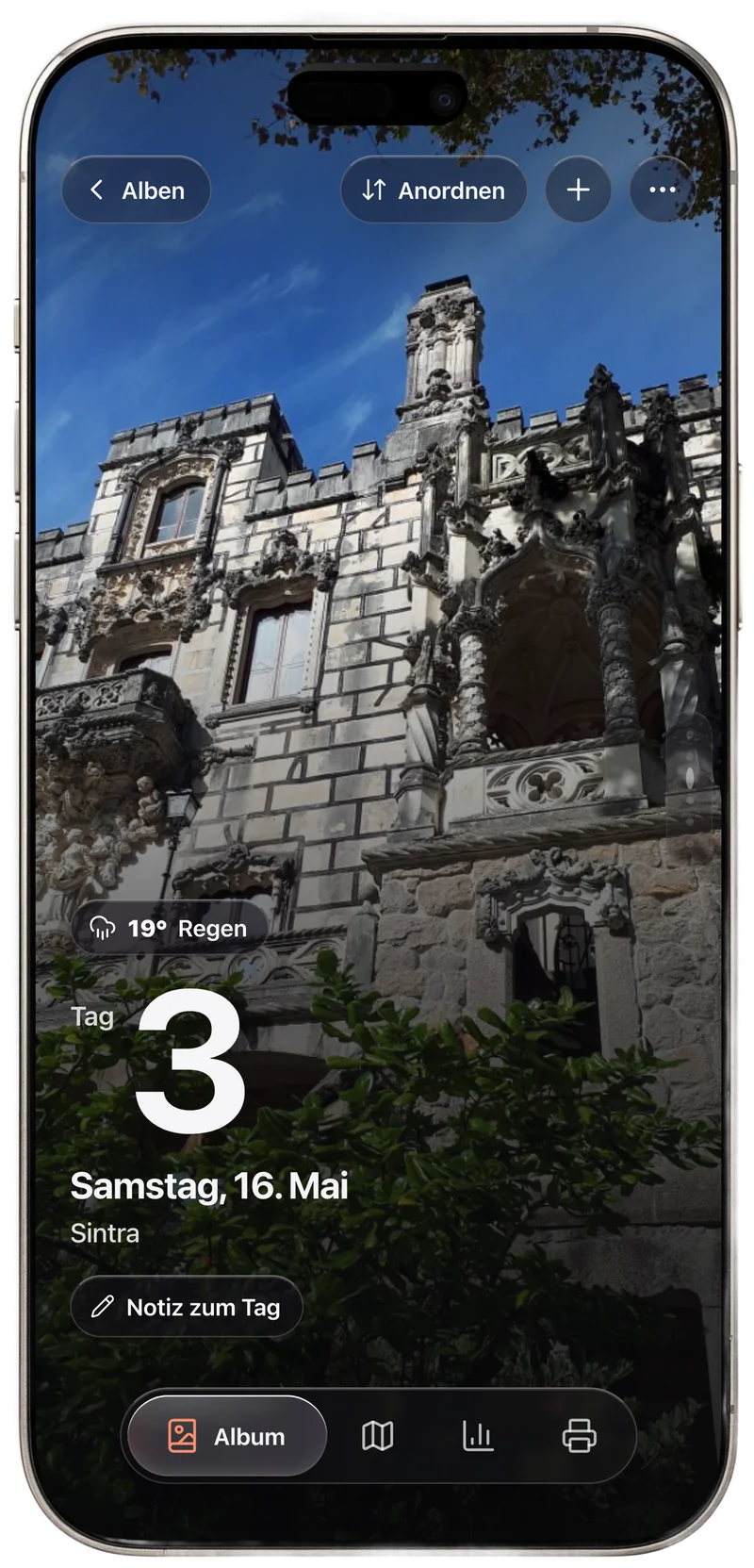
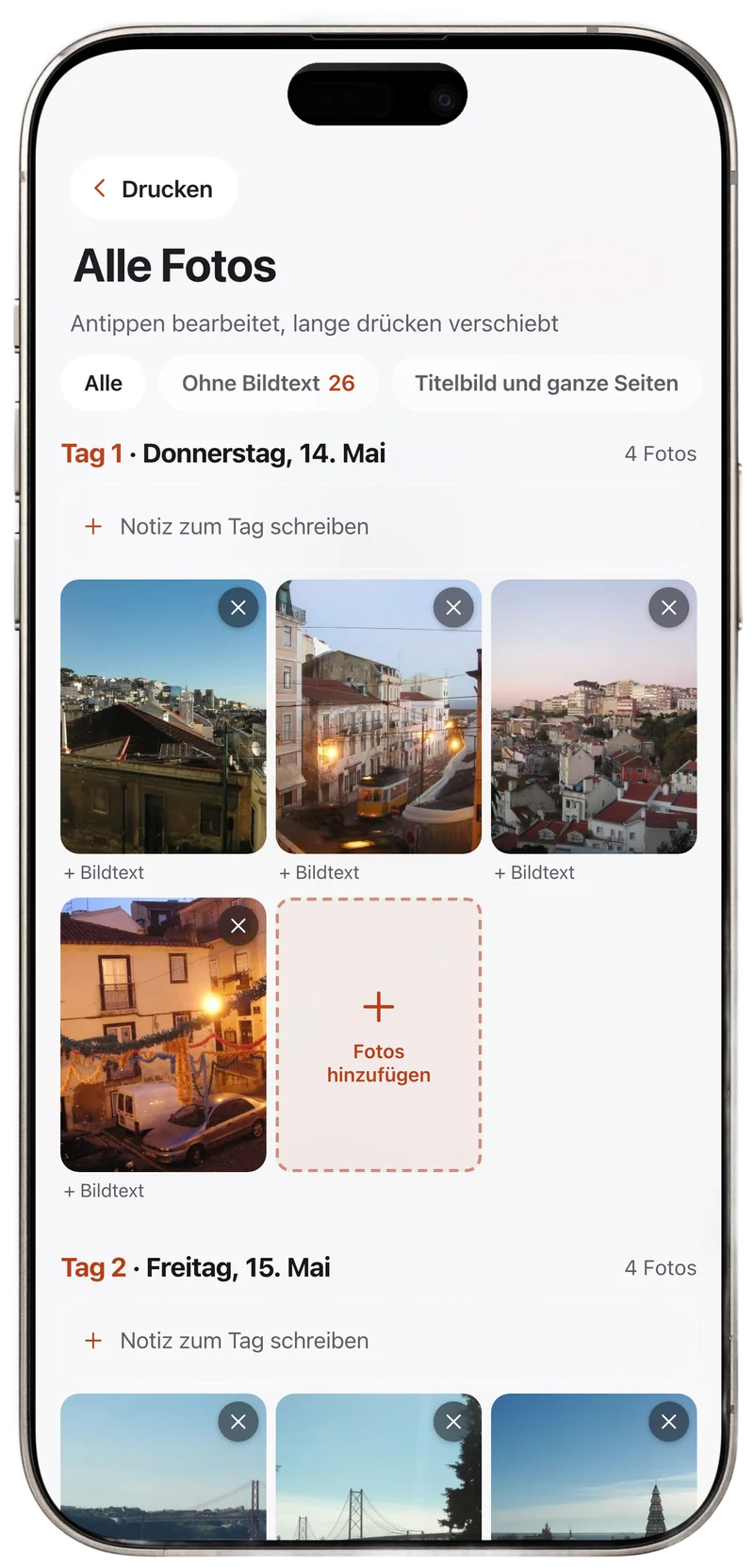
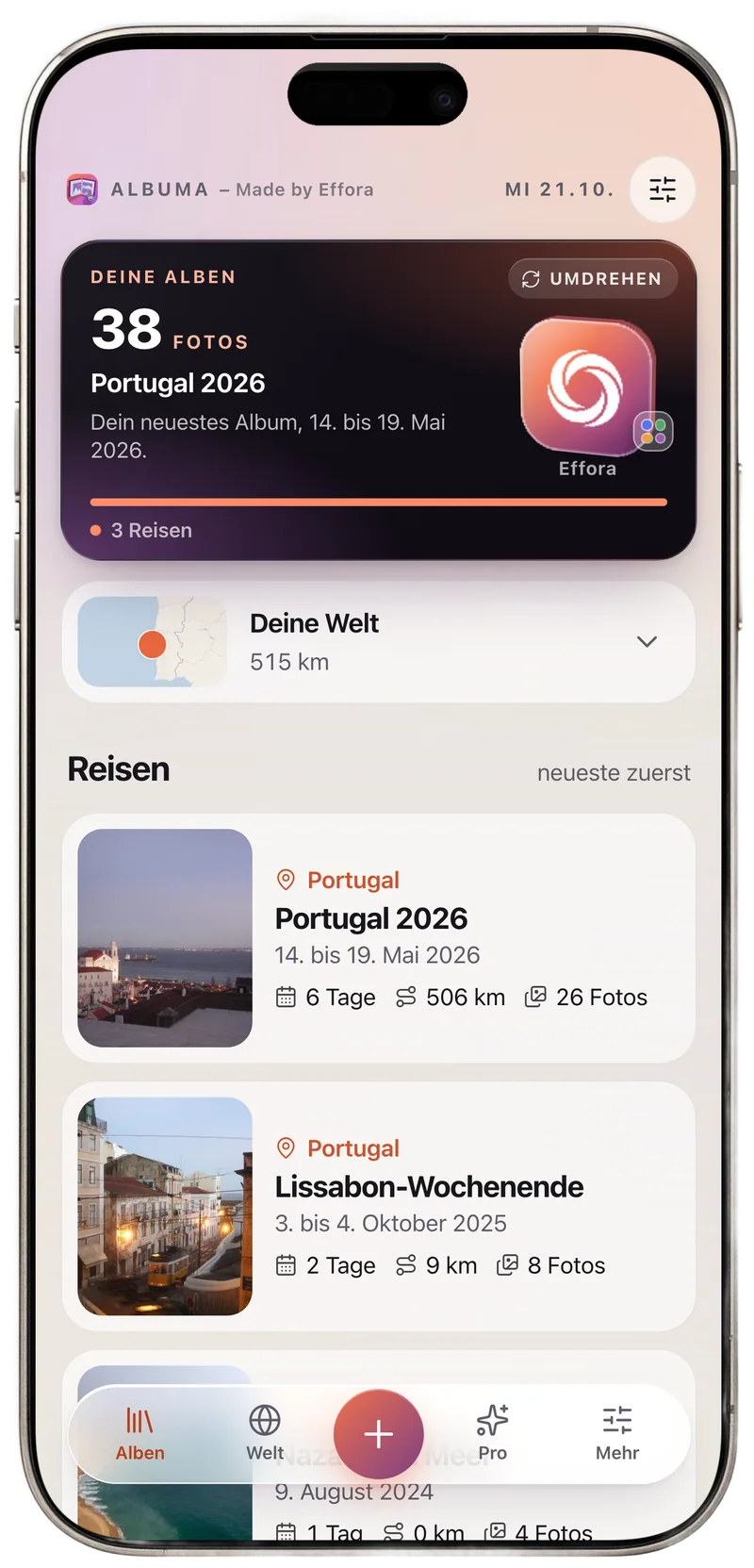
Albuma is the photo book app by Effora. It finds trips, outings and celebrations in your photos and sorts them by day and place.
- A chapter for each day with place names, a map and the route of the trip
- Rearrange photos, even between days, and add a place afterwards
- In the end, a book as a print-ready PDF, your photos stay on your device