Effora
For trips, outings and celebrations
Your vacation photo book: how to make it beautiful
A thousand photos on your phone, but no book on the shelf? With a clear selection, a common thread and calm pages, you can get it done in one evening.

The book turns out well when you choose strictly
A photo book is not an archive. It tells the story of a trip. Out of ten similar photos, the best one goes in and the others stay in your gallery. That way every page has room to breathe and every picture carries weight.

What brings a vacation book to life
Not just landscapes. The mix of big and small moments is what carries the book.
Common thread
Day by day
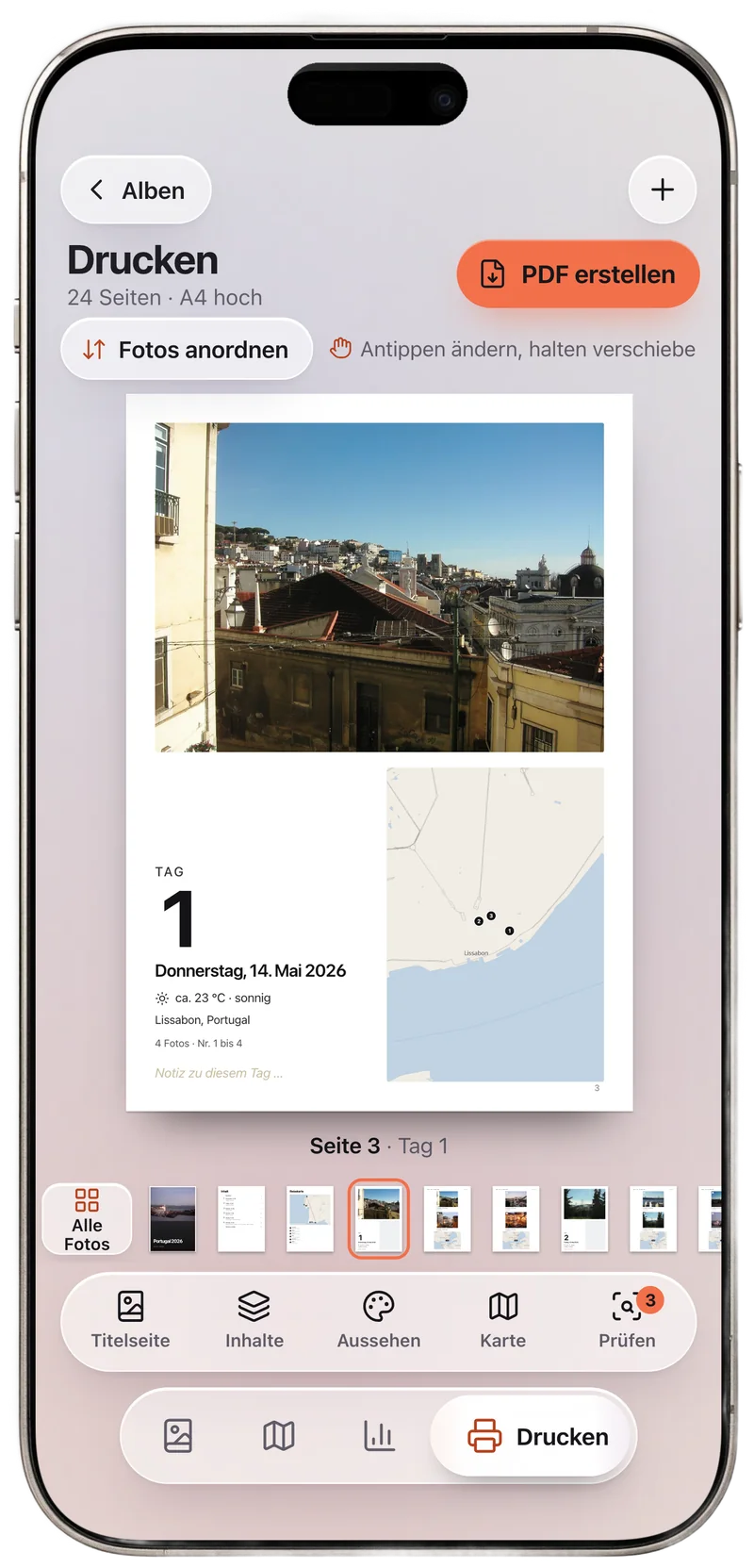
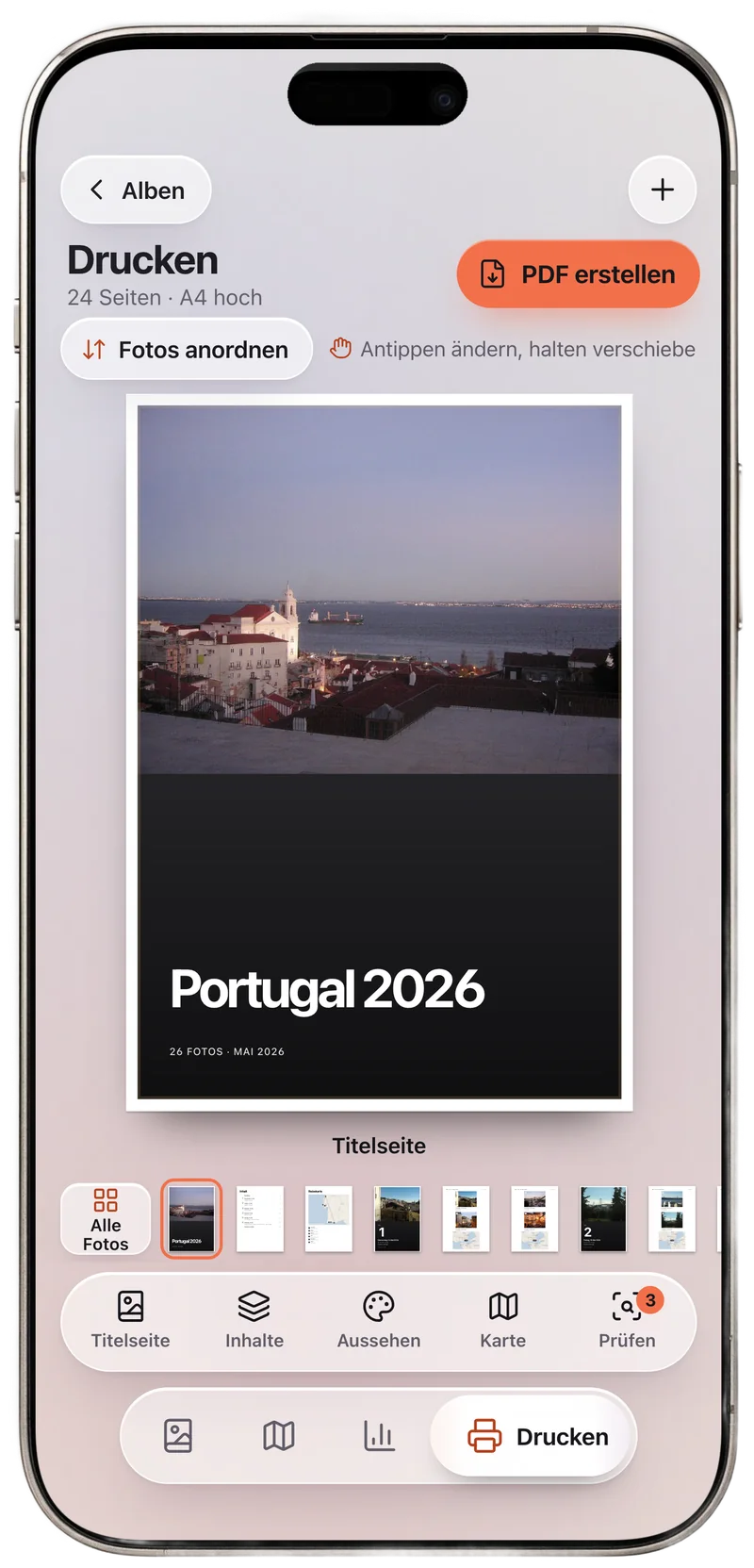
The simplest order is time. Each day or each place gets its own chapter, opening with a strong picture plus the date and place. Anyone leafing through it later travels the route all over again.
Map and route
A map with all the stops shows at a glance everywhere you have been.
One sentence per picture
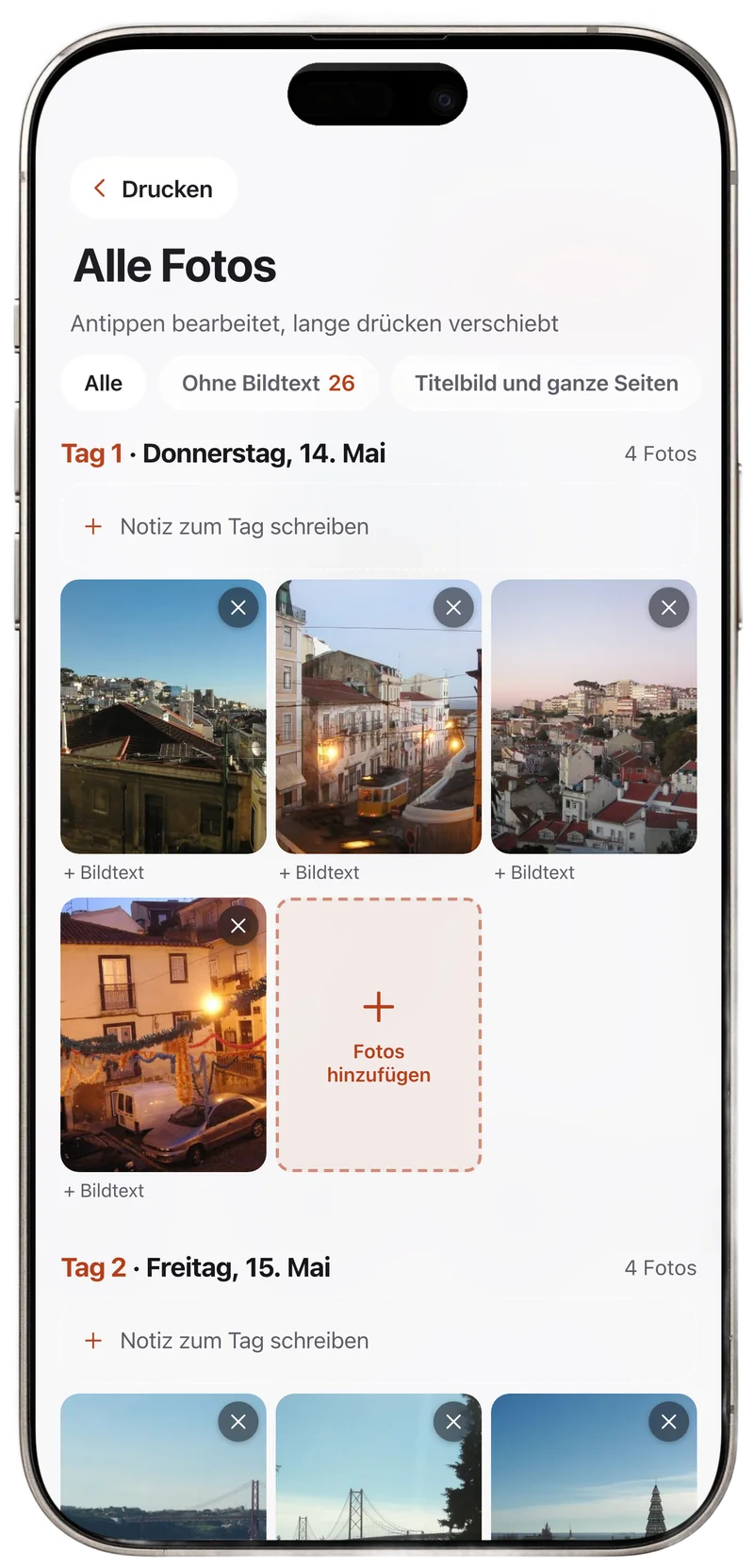
Short captions hold on to what you will have forgotten in ten years: names, dishes, the weather.
Sort first, then design
Weeding out duplicate and blurry pictures beforehand saves a lot of time while designing. You can find out how in the guides Organizing photos after a trip and Doppelte Fotos finden (in German).
How many pages will your book have?
Enter how many photos you have selected and how many days the trip lasted. The calculator includes special pages and rounds up to an even page count.
Your book will have about
0 pages
- Photo pages
- Special pages
- Photos per day of travel
Five steps to your book
Select first, then sort, then design. Doing it in this order is the fastest way.

-
Mark your favorites
Go through the trip once at a quick pace and mark only what you like right away. Don't overthink it, you will sort again in the second round.
-
Sort again, strictly
Keep one picture from every series. Blurry shots, dark shots and the same panorama five times are out. Make a point of keeping people, food and small details too, they make the book personal.
-
Sort by day
Sort by capture time and split into days or places. Each chapter starts with the strongest picture of the day.
Watch the time zone: If the camera was still set to home time, evening pictures slip into the next day. Check the local time before you sort.
-
Keep the pages calm
One large picture next to a small one looks livelier than four of the same size. Put landscape shots side by side across a spread, portrait shots in pairs. Keep margins and spacing the same, and the book will feel all of a piece.
-
Check before printing
Have dark pictures been brightened, is no face cut off at the edge, is the page count right? Export the book as a PDF with the original photos, not with scaled-down copies.
Is the resolution good enough?
For a sharp print, you calculate with 300 pixels per inch. That tells you how big a photo should be at least.
| Space on the A4 page | Pixels at 300 dpi | Megapixels |
|---|---|---|
| Full page | 2480 × 3508 | about 8.7 |
| Half page | 2480 × 1754 | about 4.4 |
| Quarter page | 1240 × 1754 | about 2.2 |
Current phone cameras usually deliver 12 megapixels or more. It gets tight with heavily cropped pictures, photos from chats and screenshots.
Frequently asked questions
How many photos belong in a vacation photo book?
For one week, 60 to 120 photos are often enough. What matters more than the number is that every picture tells something. Better a slim book you love leafing through than a thick one that stays on the shelf.
How many photos fit on one page?
One to four look calm. Strong shots get a whole page, details and series stand in threes or fours. From six pictures on, a page quickly looks busy.
Is a phone's resolution good enough?
As a rule, yes. A full A4 page at 300 dpi needs about 8.7 megapixels, and phones usually deliver 12 or more. Make sure you use the originals and not the scaled-down copies from chats.
Portrait or landscape format?
Landscape suits scenery and panoramas well, because a spread becomes very wide. Portrait is easier to hold and suits portraits. What decides it is how most of your favorite photos were taken.
Why does the page count have to be even?
Every sheet has a front and a back. That is why a bound book always has an even number of pages. Many print services also set a minimum page count.
Your trip as a book
Albuma is the photo book app by Effora. You pick the photos of a trip, Albuma sorts them by day and place and turns them into a book.
- A chapter for each day, a travel map with the route, weather and the trip in numbers
- Arrange photos freely, captions, full pages, portrait or landscape in A4
- Print-ready PDF with a print check, no account, your photos stay on your device