Effora
For iPhone and Android
Duplicate photos: find and delete them
Copies from chats, the same shot five times, bursts: duplicates eat up storage and clutter your gallery. Here is how to find them without deleting the wrong picture.

Deleted does not mean freed up yet
On iPhone, deleted photos first go to the “Recently Deleted” album, on Android usually to the gallery's trash. On iPhone you can get them back from there for 30 days, on Android the time limit depends on the gallery app. You only get the space on your phone back once you empty the trash.

Four kinds of “duplicate”
Not every double is the same. That decides whether a tool finds it automatically or whether you have to decide yourself.
Similar series
the most
Five shots of the same sunset, ten of the group photo. They are not identical, so the built-in duplicate finder often does not detect them. This is usually where most of the savings are, but you choose the best picture yourself.
1:1
Exact copies
The same picture twice, for example after an import or a restore. The system finds these on its own.
From chats
Sent and received pictures, often saved at a smaller size and therefore not recognized as copies.
Bursts
In burst mode, the camera saves many pictures in one second. Pick the best ones and delete the rest. Where else space is hiding is shown in the guide Phone storage full.
Which method fits?
Choose your phone and the kind of duplicates that bother you. Menu names may differ slightly by version and manufacturer.
How to clean up duplicates safely
This order saves you the trouble of deleting the one photo you turn out to need after all.

-
Back up first
Before you delete in large amounts, back up your library to a computer, a hard drive or a cloud storage service.
Watch out: If your library syncs, deleting a photo on your phone deletes it in the cloud as well. A synced library is not a backup.
-
Exact copies automatically
Let the system find and merge the true duplicates. It is quick and risk free, because the picture itself is kept.
-
Series by hand
Go through the months with the most photos, usually holidays and celebrations. From each scene, keep the sharpest picture with everyone's eyes open.
-
Stop chat media
In your chat app, turn off automatic saving to the gallery. Otherwise your library fills right back up.
-
Check and empty the trash
Take a quick look in the trash, then empty it. Only now is the space on your phone freed.
Which picture stays?
With series, a fixed order helps. It makes the decision faster.
| Check first | How to tell |
|---|---|
| Sharpness | Zoom in: are the eyes or the main subject sharp? |
| Eyes and faces | Everyone's eyes open, nobody half hidden or caught mid sentence? |
| Light | No blown out bright spots, faces not in shadow. |
| Framing | Straight horizon, nothing important cut off at the edge. |
| Size | With true copies, keep the original with the highest resolution, not the copy from the chat. |
Frequently asked questions
How do I find duplicate photos on iPhone?
In the Photos app under Collections, then Utilities and Duplicates. Tap Merge to combine a group. If there are no duplicates, the collection is not shown.
Is there a duplicate finder on Android?
Many devices suggest files to clean up in Settings under Storage and Free up space. Depending on the manufacturer, the gallery app may also offer a search for duplicate or similar pictures.
Why does the duplicate finder not find my series?
Because it looks for identical pictures. A series is made up of many slightly different shots. For those you need a search for similar photos, or you go through them yourself.
Is space freed up right away when I delete?
No. Deleted items first go to the trash, on iPhone for 30 days in the “Recently Deleted” album. Only after emptying it is the space on the device freed.
Does this also save cloud storage?
Yes, if your library syncs. What you delete disappears there too. How else to clear your iPhone's cloud storage is explained in the guide iCloud storage full.
Copies and series in one tap
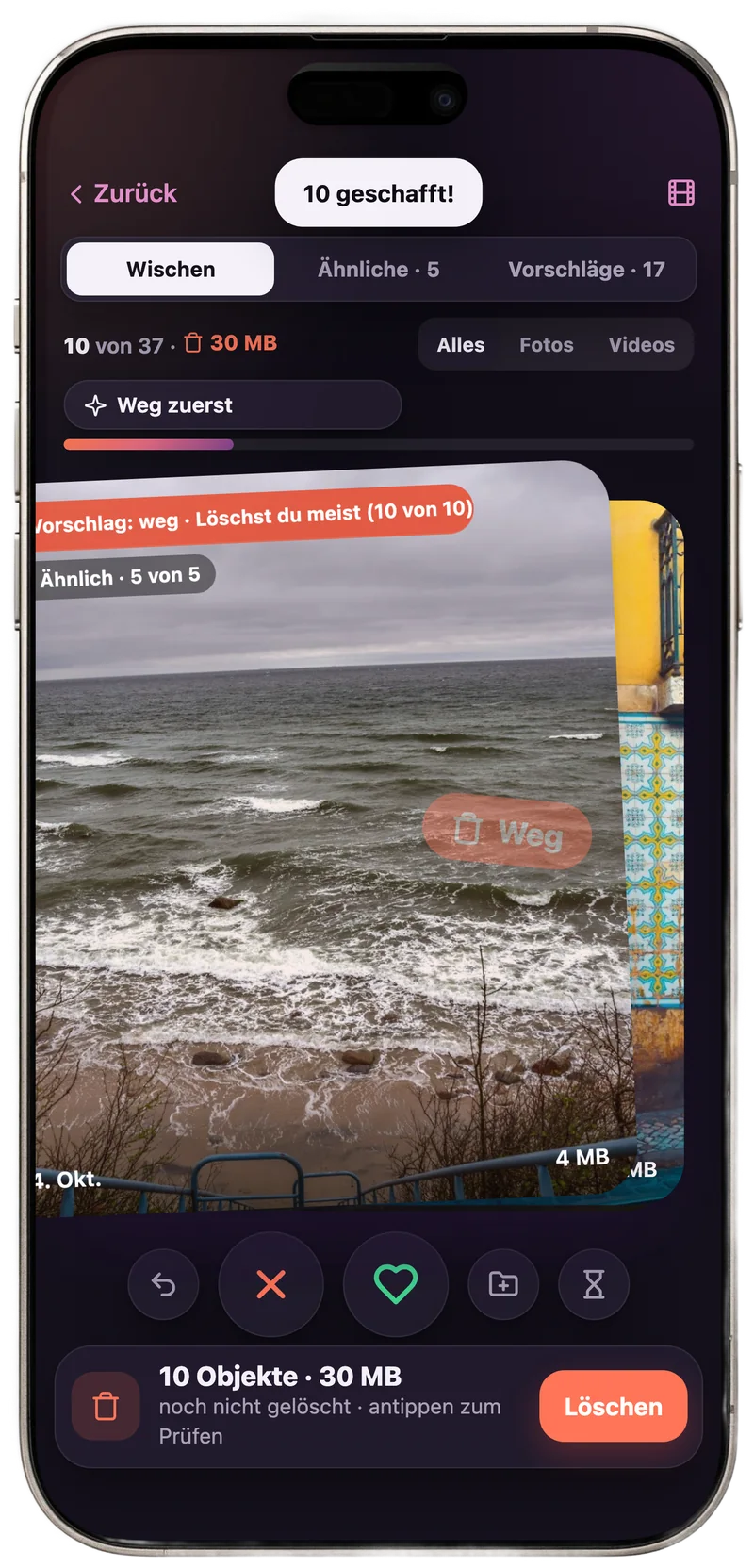
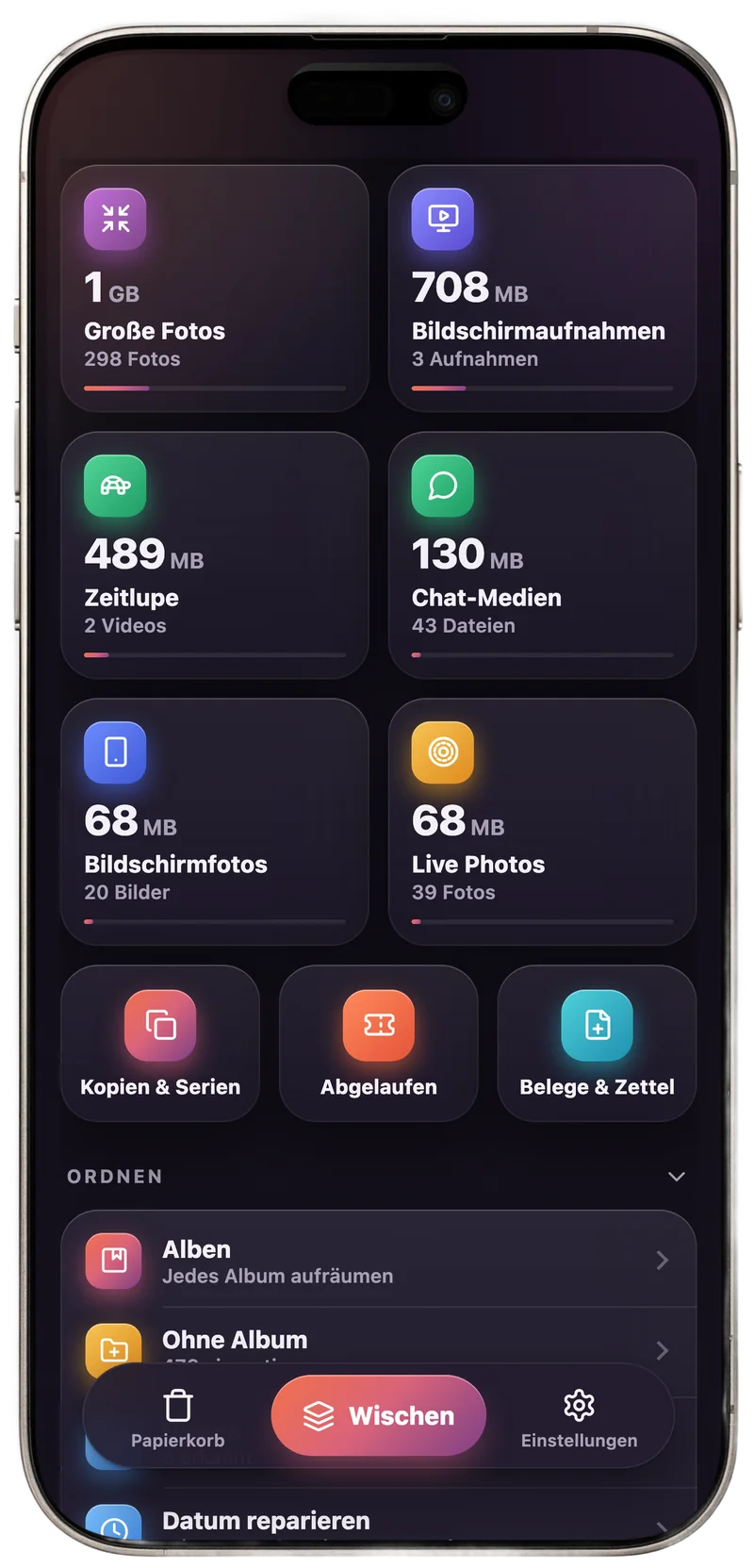
SpaceKeeper is the gallery app from Effora. It finds duplicate pictures and series of the same scene across your whole library and suggests the best picture in each.
- Copies, series and bursts across your whole library
- Swipe through month by month, a counter shows the space you free up
- Everything runs on your phone, no account needed